Can I roll back to a previous version of my marketplace?
Yes you can. Should you wish to undo the changes made in the latest version, Coreflex allows you to roll back to a previous version publish point.
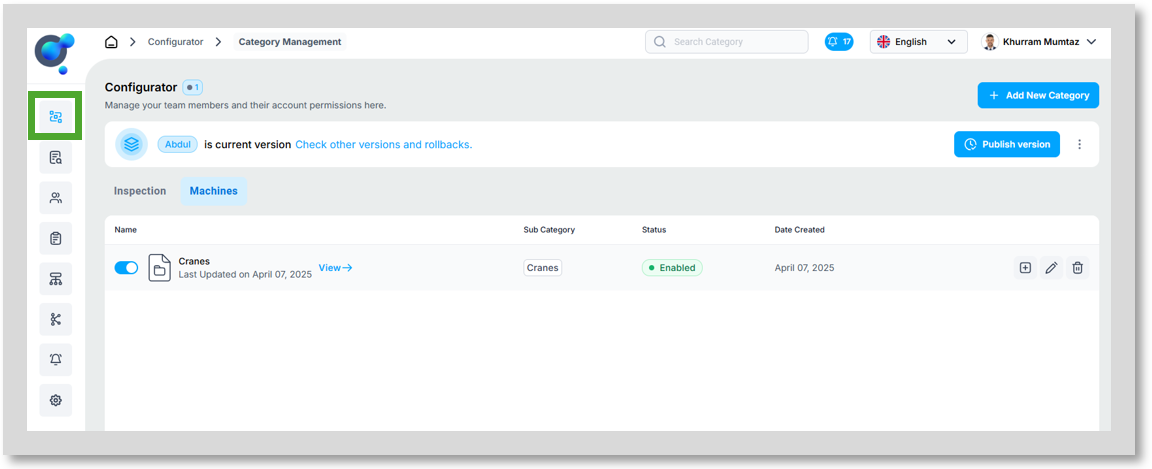
To roll back to a previous version of your marketplace, click on “Versions” under the “Configurator” icon in the side navigation on the homepage.
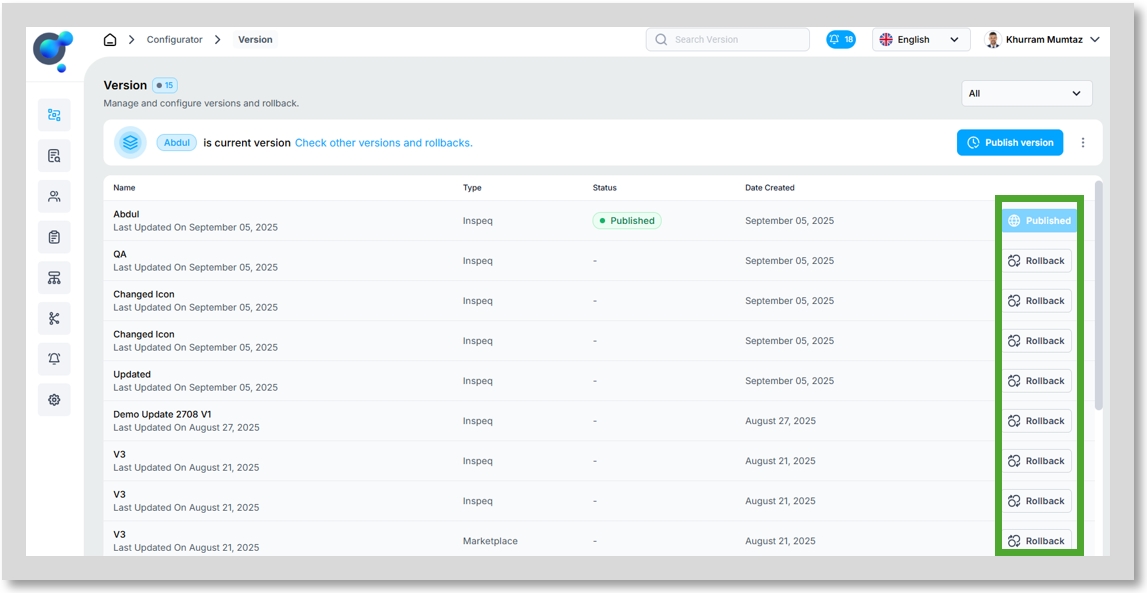
Next, you’ll see a list of all existing versions. Choose the one you want to restore and click “Rollback” in the last column of the screen.
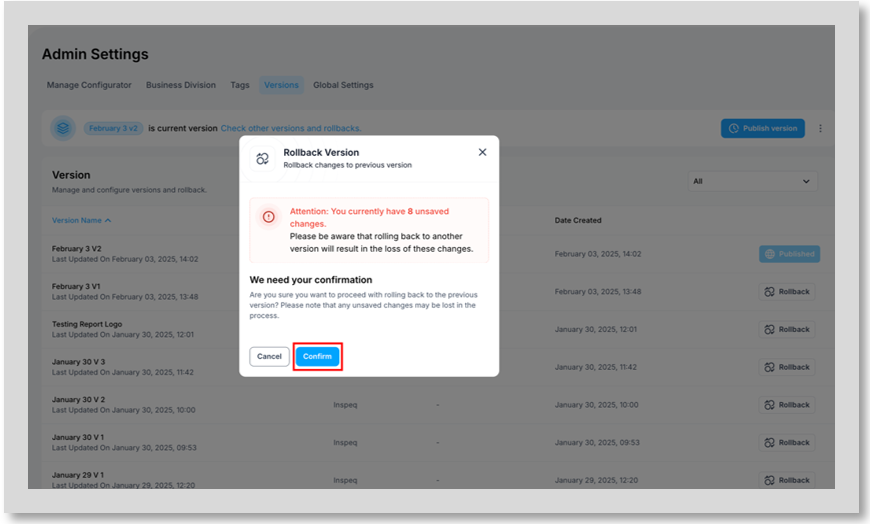
Validate your choice by clicking “Confirm” to roll back to a previous version.