Creating a listing
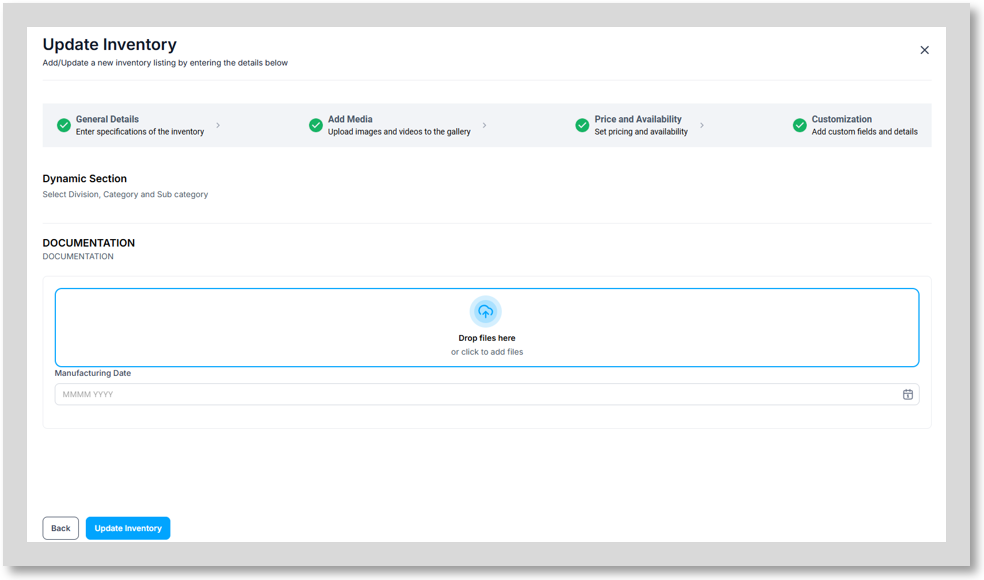
To Manually add inventory you can select “Add Inventory” on the “Inventories” dashboard, this will open the listing creation wizard.
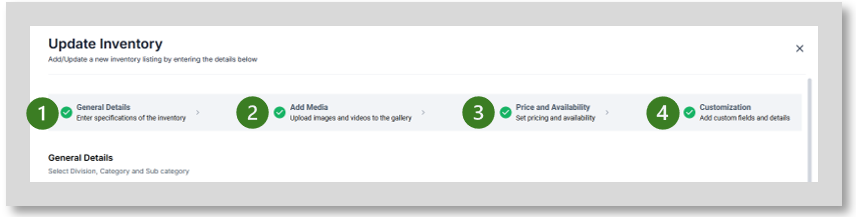
The listing wizard is split into four sections
General Details
Add Media
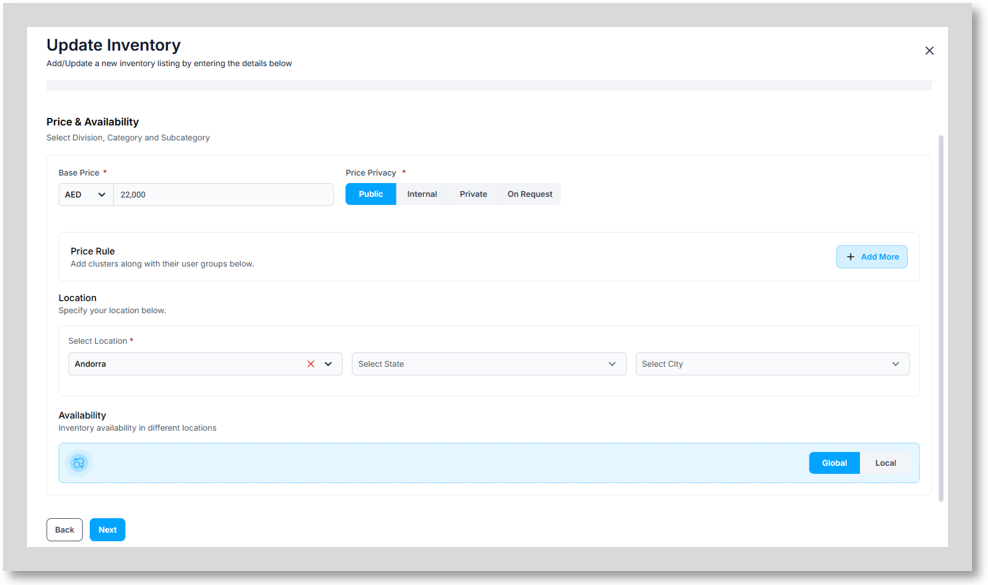
Price and Availability
Customization
General Details
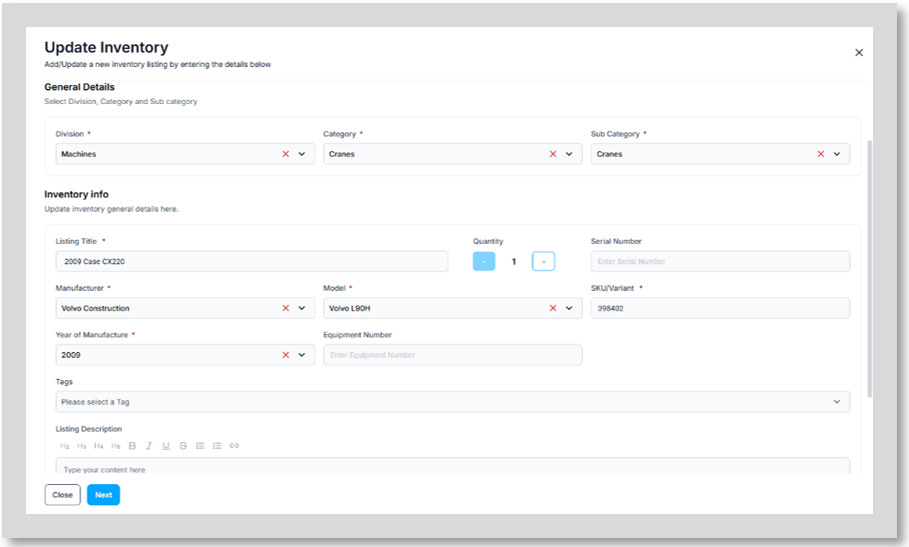
This is where to enter the specifications of the inventory. This will include:
General Details
o Division
o Category
o Sub Category
Inventory Info
o Listing Title
o Quantity
o Serial Number
o Manufacturer
o Model
o SKU/Variant
o Year of Manufacture
o Equipment Number
o Tags
o Listing Description
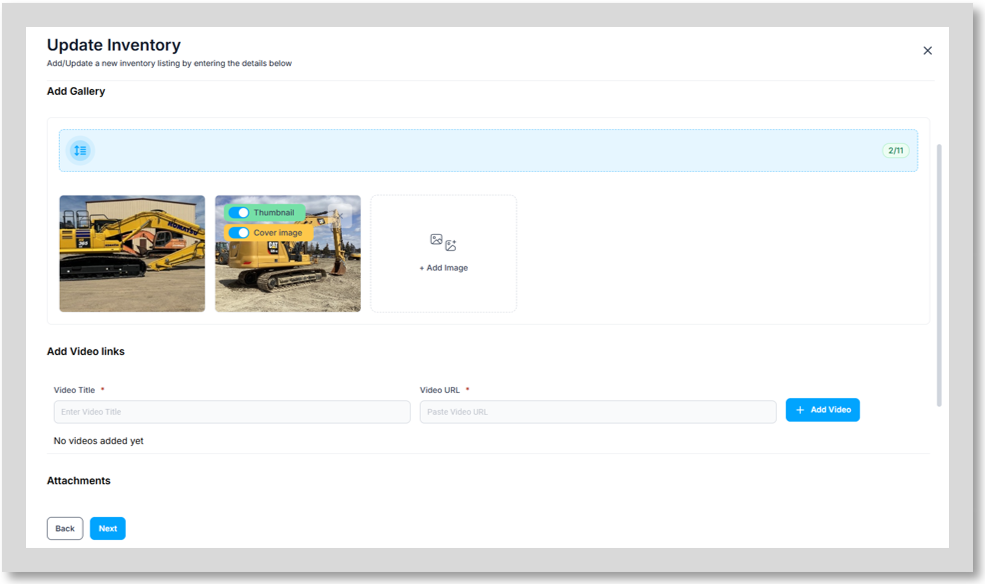
Add Media
Price and Availability
Customization- this section will include any section and fields you have configured through “Category Management” in the “Configurator” section.